 Apple’s iMessage and FaceTime services saw their second outage this week today as both services were unavailable to some users. The System Status Page shows the second outage this week around 8am PDT for about an hour. As iPhone app developers we are glued to our iPhones and noticed the iMessages were not flowing properly this morning. The downtime marked a second time this week that Apple’s services have had issues and downtime reached exceeded five hours on Tuesday when both FaceTime and iMessage became unavailable.
Services appear to be running again as normal and messages following freely with green light on all systems as this article is written.

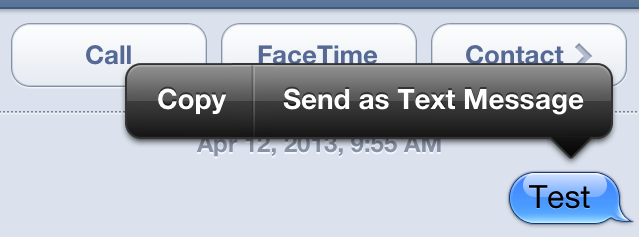
As an iPhone app developer in San Diego we’ll keep you updated on the status of Apple’s services though out Twitter feed. If you notice your messages are not being sent then you can force a traditional SMS to be sent. Hold down the message and you should see the “Send as text Message” option appear as seen below. Click this and the message should then turn green to confirm it has been sent as a text. You will not get delivered or read reports however.